Troubleshooting Common Shopify Form Integration Problems
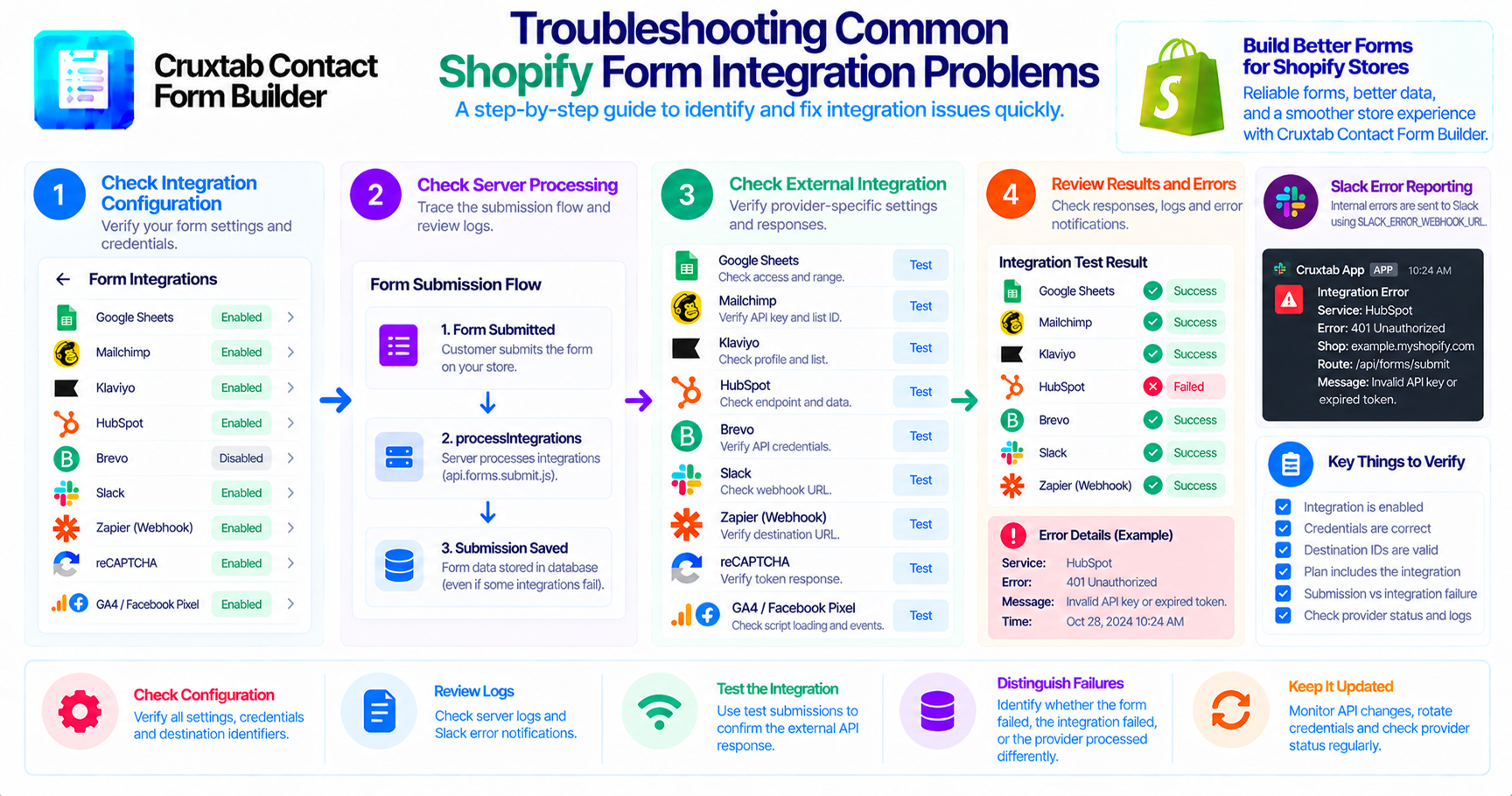
An external integration can stop working for many reasons. A credential may expire, a destination identifier may be incorrect, or an external API may reject a request.
A structured troubleshooting process makes it easier to identify the source of the problem.
Start with the integration configuration
First, verify the integration settings configured for the relevant form.
Check that:
- The intended integration is enabled.
- Required credentials are present.
- Destination identifiers are correct.
- The merchant's subscription includes the feature.
- The form is using the expected configuration.
A configuration problem should be ruled out before investigating more complex backend behavior.
Check the server-side processing flow
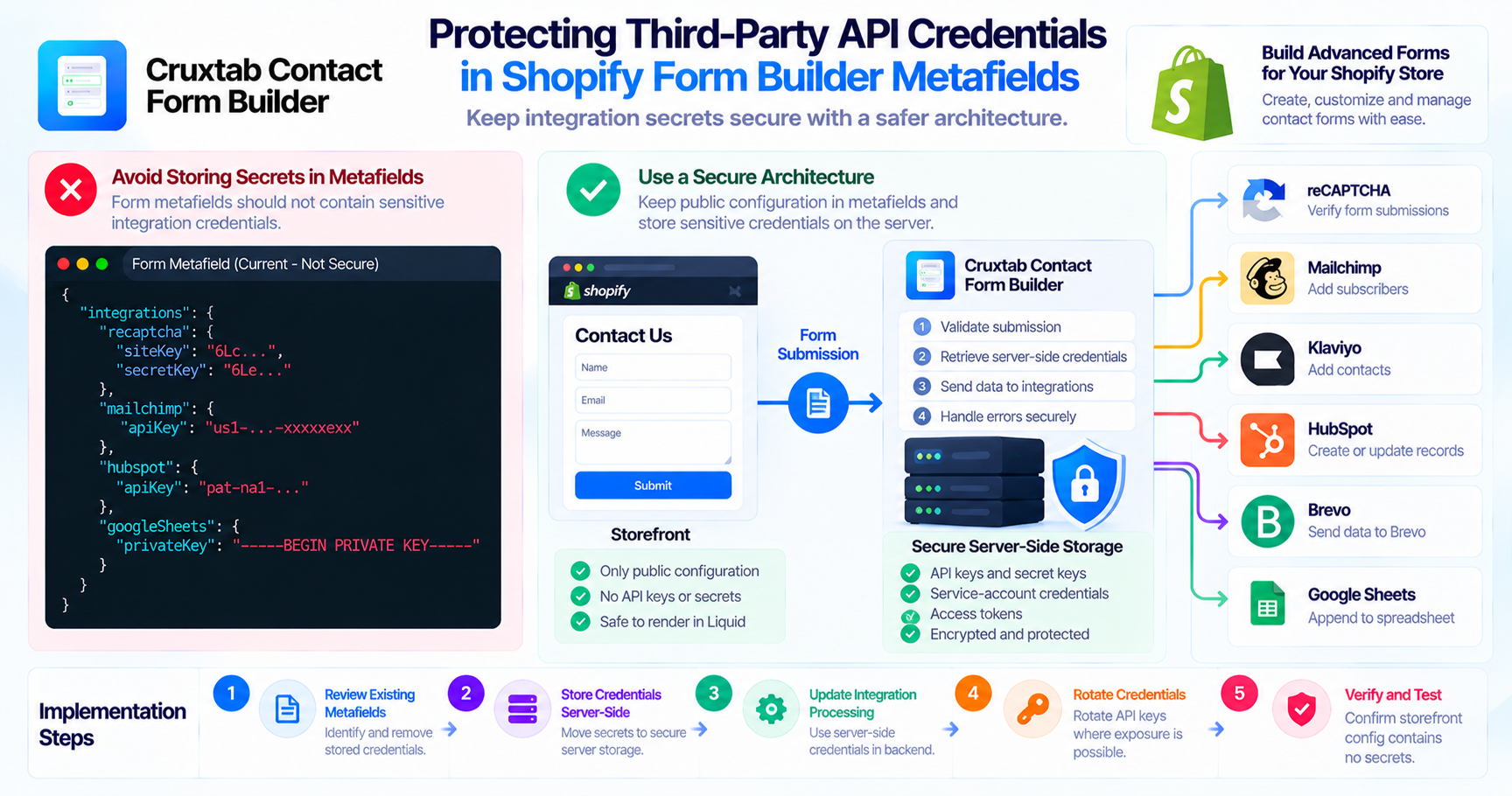
Cruxtab Contact Form Builder executes merchant-configured integrations through:
processIntegrations in api.forms.submit.js
Integration settings are configured through:
app/components/FormIntegrations.jsx
These are useful starting points when tracing a request from the form configuration to the external API call.
Investigate provider-specific failures
Different integrations require different checks.
| Integration | Troubleshooting focus |
|---|---|
| Google Sheets | Service-account access and spreadsheet range |
| Mailchimp | API credentials and list identifier |
| Klaviyo | Profile creation and list membership |
| HubSpot | Legacy endpoint compatibility and contact data |
| Brevo | API credentials and contact payload |
| Slack | Incoming webhook configuration |
| Zapier / Generic webhook | Destination URL and JSON payload |
| reCAPTCHA | Token verification response |
| GA4 / Facebook Pixel | Script loading and actual events |
Review error reporting
Cruxtab includes internal Slack error reporting using:
SLACK_ERROR_WEBHOOK_URL
Notifications can be muted with:
SLACK_ERROR_NOTIFICATIONS_ENABLED=false
The reporting implementation includes unhandled React Router errors and many caught errors.
Check whether the specific integration failure is actually reported. Not every failed external request should be assumed to generate a Slack notification.
Distinguish form failures from integration failures
A form may save a submission successfully while an external service fails.
When investigating a problem, determine whether:
- The submission itself failed.
- The submission was saved but the integration failed.
- The external service accepted the request but processed it differently than expected.
This distinction helps avoid unnecessary changes to the wrong part of the application.
Conclusion
Troubleshooting is easier when developers follow the complete path from configuration to server-side execution and external API response.
A provider-specific checklist and useful error diagnostics help reduce investigation time.
Learn more about Cruxtab Contact Form Builder.
Comments
Join the discussionNo comments yet. Be the first to comment.