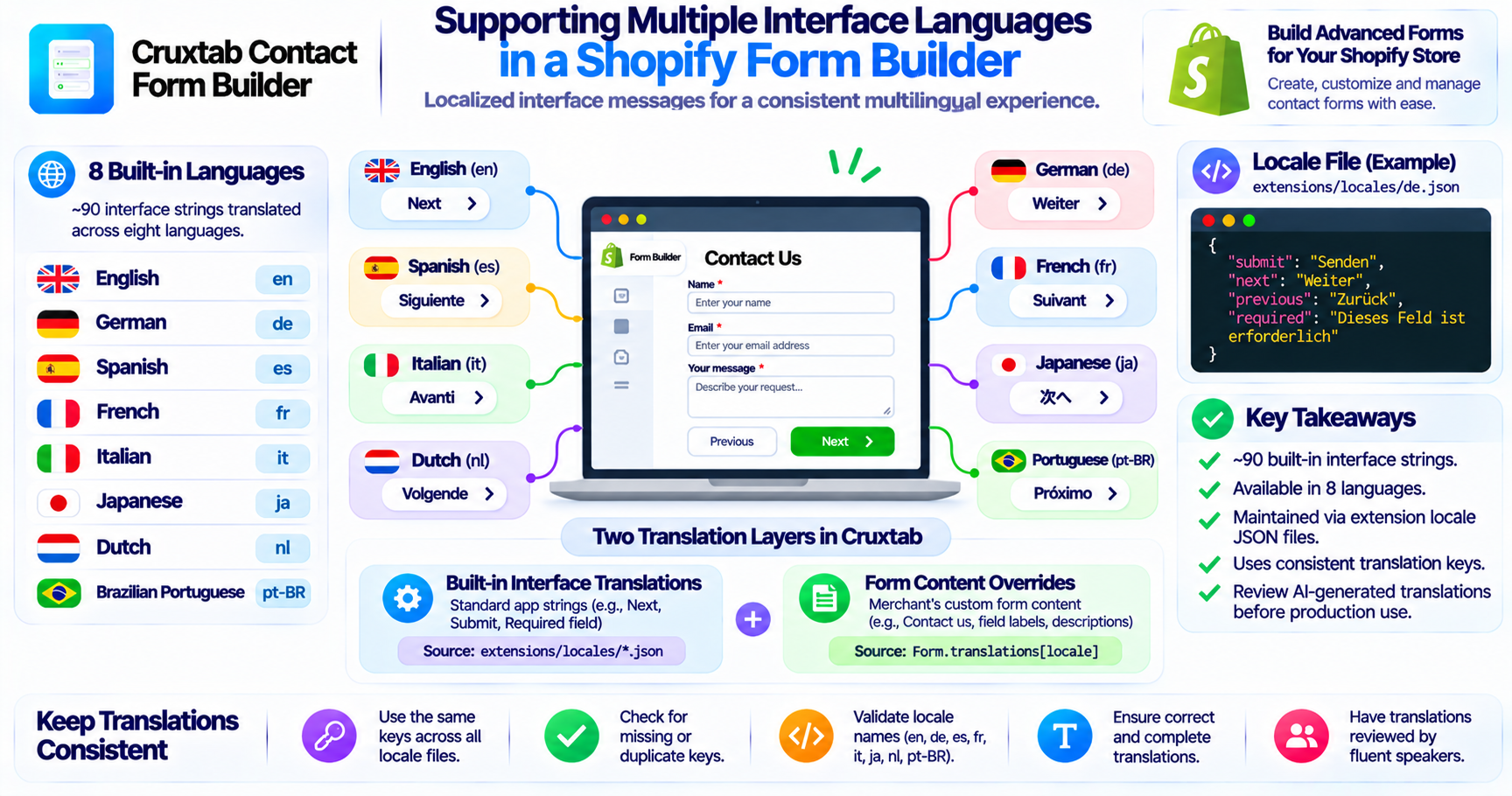
Supporting Multiple Interface Languages in a Shopify Form Builder
When merchants use a form builder, the storefront form is only one part of the experience.
The interface around the form may also contain built-in messages such as required-field warnings, validation errors, navigation labels, and other standard text.
If these interface strings appear in only one language, the experience can become inconsistent for merchants and customers using different languages.
Cruxtab Contact Form Builder includes built-in interface translations to address this requirement.
What are interface translations?
Interface translations are predefined text strings used by the application.
They are different from the merchant's custom form content.
For example:
Built-in interface text
- Next
- Previous
- Submit
- Required field
- Invalid email address
Merchant-created form content
- Contact us
- Describe your request
- Select your preferred service
These two categories have different translation responsibilities.
Eight built-in languages
The application ships approximately 90 built-in interface strings across eight languages:
| Language | Locale |
|---|---|
| English | en |
| German | de |
| Spanish | es |
| French | fr |
| Italian | it |
| Japanese | ja |
| Dutch | nl |
| Brazilian Portuguese | pt-BR |
These translations provide a starting point for displaying standard interface text in supported languages.
Where the locale files live
The built-in translations are provided through the extension locale files:
extensions/locales/*.json
These files organize translated interface strings by locale.
A locale file makes it easier to maintain the same interface keys across different languages.
For example, a conceptual translation file might contain:
{
  "submit": "Submit",
  "next": "Next",
  "previous": "Previous",
  "required": "This field is required"
}
A German version would provide the corresponding translated values under the same keys.
The example is illustrative and does not reproduce the actual locale-file contents.
Why consistent translation keys matter
A translation system depends on consistent keys.
Suppose one language contains a submit key but another language uses a different key for the same interface element.
The application may not be able to retrieve the expected translation consistently.
A useful maintenance practice is to keep the same key structure across every locale file.
Developers should check for:
- Missing keys
- Duplicate keys
- Incorrect locale names
- Empty translations
- Unexpected formatting
- Inconsistent placeholder variables
Built-in translations and merchant translations
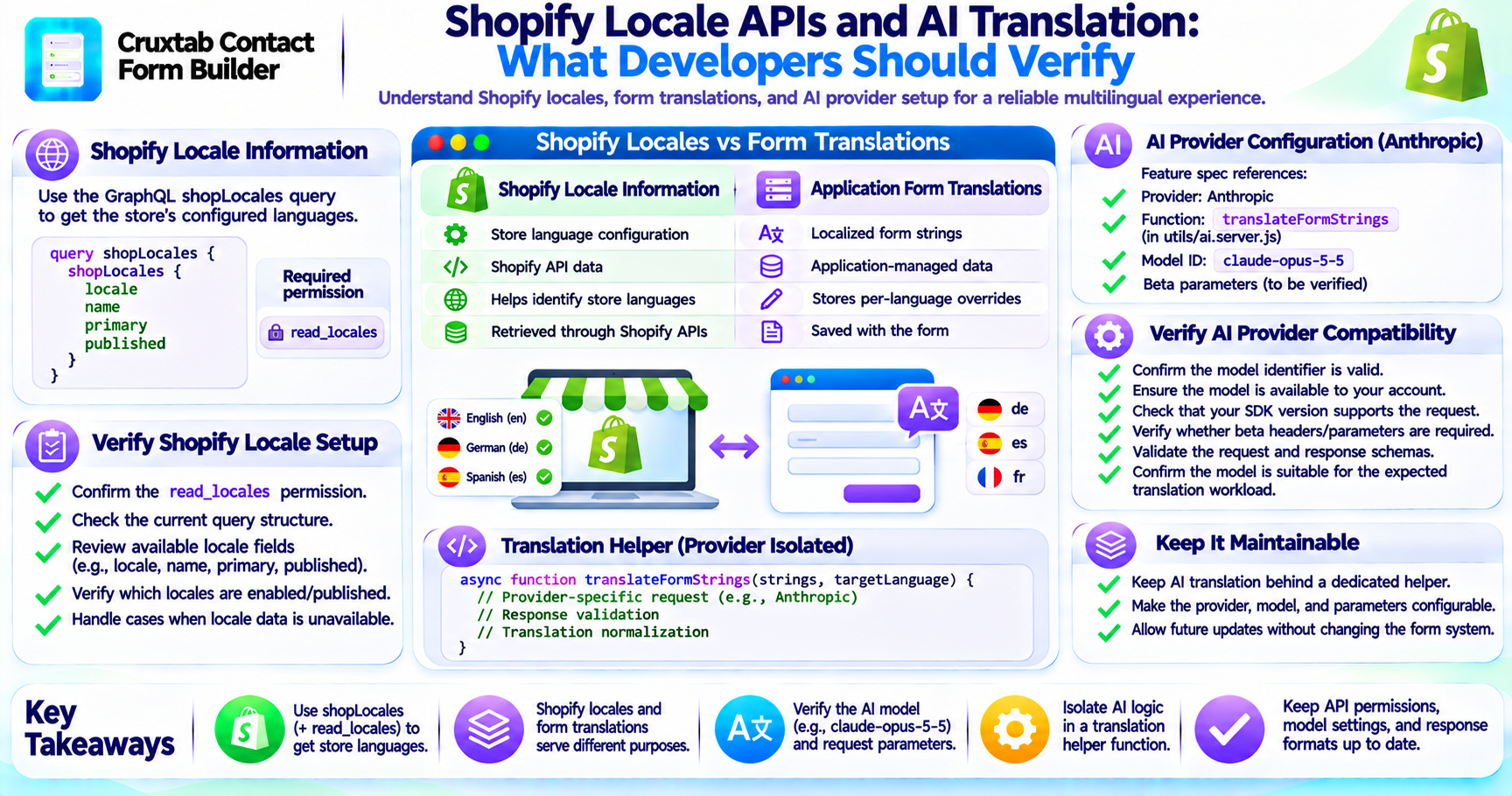
It is useful to distinguish the two translation layers.
| Translation layer | Purpose | Data source |
|---|---|---|
| Built-in interface translations | Standard application strings | Extension locale JSON files |
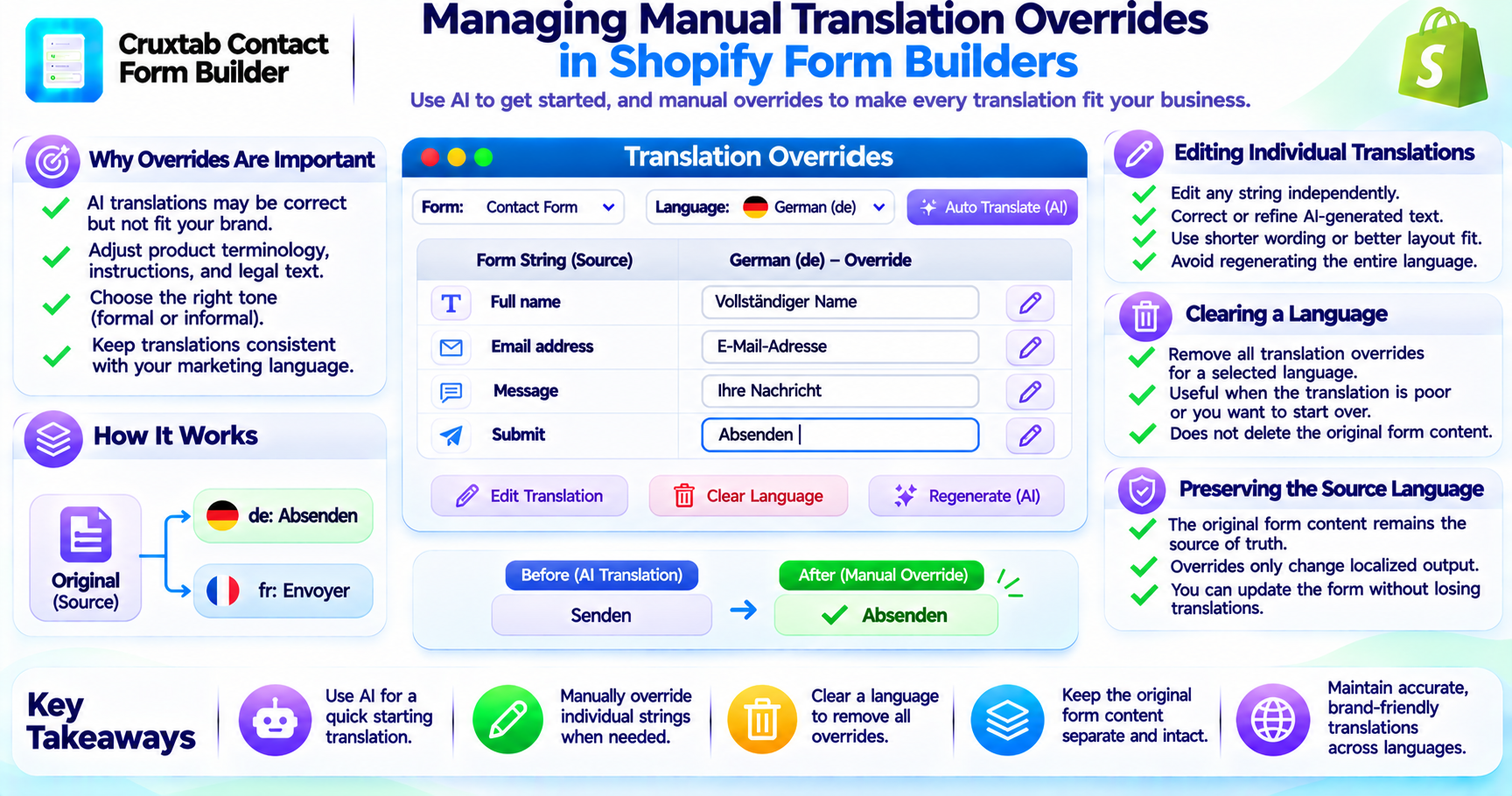
| Form content overrides | Merchant-created form content | Form.translations[locale] |
The built-in interface translations support the application experience, while form-level overrides allow merchants to customize the content of their individual forms.
Both are important for a complete multilingual experience.
Review translated strings before release
The non-English locale files were AI-generated and have not been reviewed.
This is an important quality consideration.
AI-generated translations can contain awkward phrasing, inconsistent terminology, or incorrect context.
A translation that looks reasonable in isolation may not make sense inside a form validation message.
Before treating these translations as production-quality localization, they should be reviewed by fluent speakers.
Conclusion
A multilingual form builder needs localized interface messages as well as translated form content.
Cruxtab Contact Form Builder ships approximately 90 built-in interface strings across English, German, Spanish, French, Italian, Japanese, Dutch, and Brazilian Portuguese.
The locale JSON files provide the built-in translation layer, while merchant-specific form content is managed separately.
Explore Cruxtab Contact Form Builder.
Comments
Join the discussionNo comments yet. Be the first to comment.