Preventing Orphaned S3 Objects in File Upload Systems
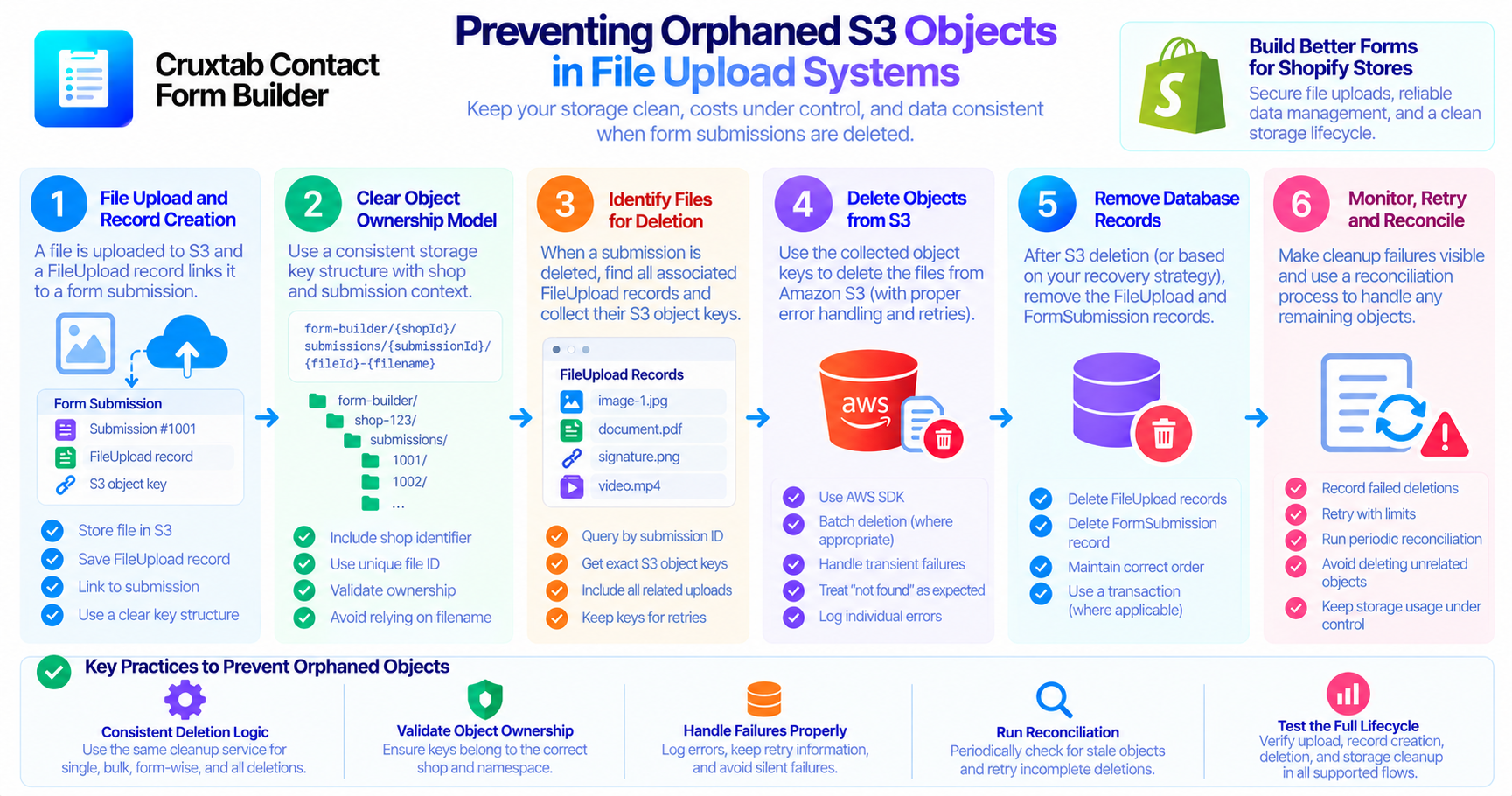
An orphaned object is a file that remains in storage even though the application no longer has a valid record or relationship pointing to it.
In a form builder, orphaned objects can accumulate when submissions are deleted but their uploaded files are not removed from Amazon S3.
Over time, this can increase storage usage and make data-retention policies harder to enforce.
How orphaned objects appear
Consider a submission with an uploaded image.
The application stores the image in S3 and creates a FileUpload record containing its object key. The submission and upload record are later deleted, but the S3 object remains.
The file is now disconnected from the normal application workflow.
This can happen when a delete handler removes only database records, when S3 deletion fails, or when different deletion paths implement inconsistent cleanup behavior.
Use a clear ownership model
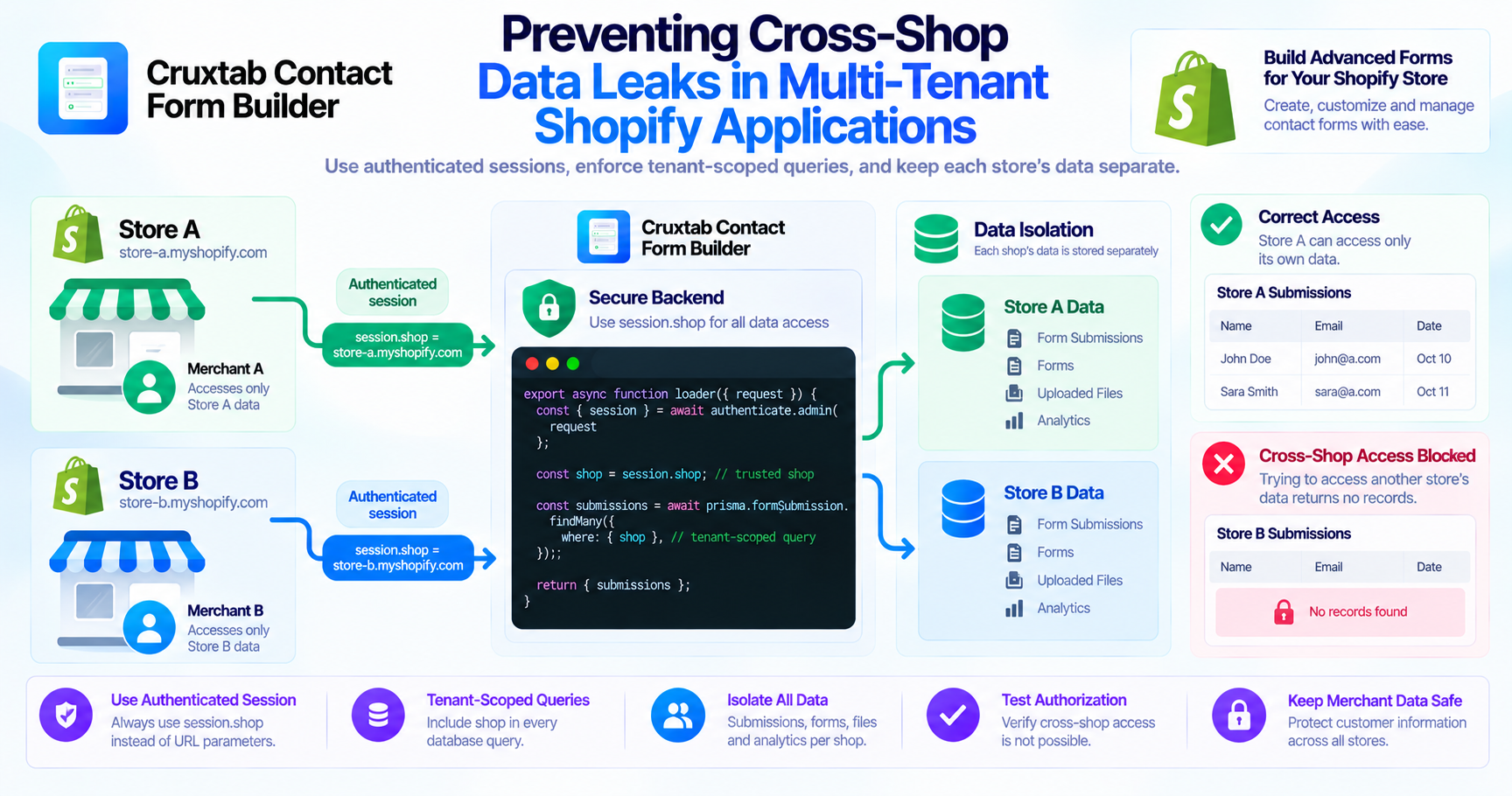
Every uploaded object should have an understandable relationship to the shop and the application record that owns it.
A storage key may include a shop-specific prefix, while a FileUpload record stores the key and submission association.
This makes it easier to determine which objects should be deleted when a submission is removed.
Do not rely only on the original filename. Use the actual storage key and validated ownership metadata.
Centralize deletion behavior
Single submission deletion, bulk deletion, per-form deletion, and delete-all operations should share a consistent cleanup strategy.
If each handler implements S3 cleanup separately, one path can easily be overlooked during a future code change.
A shared service can resolve the relevant upload records, collect their object keys, delete the S3 objects, and remove the corresponding metadata according to the application's recovery rules.
Add safeguards around object keys
Before deleting an object, verify that its key belongs to the intended storage namespace and shop.
Never construct a broad deletion target from an arbitrary user-provided string.
Narrowly scoped keys help prevent an ordinary submission deletion from affecting unrelated uploads.
Make cleanup failures visible
An object that cannot be deleted should not be silently treated as successfully cleaned up.
Record a suitable error category and preserve enough information to retry the operation. Avoid logging file contents or unnecessary personal information.
For large workloads, a cleanup queue or reconciliation job can help process failed deletions without blocking every administrative action.
Consider periodic reconciliation
Even with careful request-time cleanup, unexpected failures can leave stale objects behind.
A periodic reconciliation process may compare known upload records with stored objects or review recorded cleanup failures.
Such a process needs a reliable ownership model and should be designed conservatively. An object that appears unreferenced may still belong to an in-progress upload or another workflow.
Do not delete objects solely because they appear old without checking the application's actual storage lifecycle.
Test the complete lifecycle
A useful test should create a submission, upload a file, verify its FileUpload record, delete the submission, and then confirm that both the record and S3 object are removed.
Repeat this for every supported deletion path and simulate failed object deletion.
Also verify that deleting one submission does not affect files attached to another submission.
Conclusion
Preventing orphaned S3 objects requires consistent deletion paths, reliable object ownership metadata, narrow deletion targets, visible failures, and a recovery strategy.
These principles help keep file storage manageable and ensure that submission deletion has the intended effect.
Explore Cruxtab Contact Form Builder for Shopify form-building workflows.
Comments
Join the discussionNo comments yet. Be the first to comment.