Mapping Form Submission Data to External Platforms
A form builder may collect many different types of information, but external platforms rarely use exactly the same data structure.
A marketing platform may expect an email address, a CRM may require contact properties, and a spreadsheet may store each answer in a separate column.
Mapping form data correctly is essential for reliable integration.
Why data mapping matters
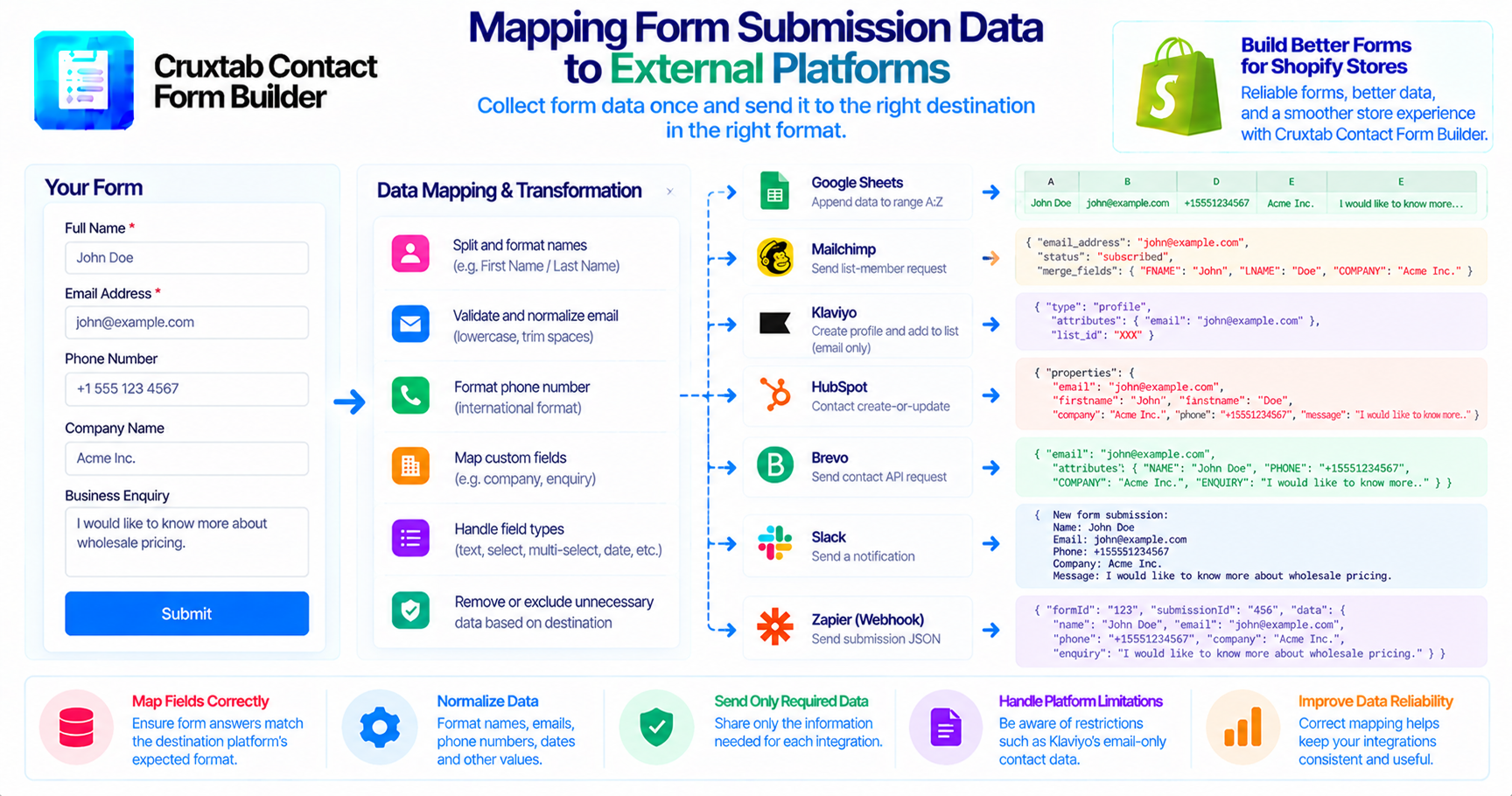
Consider a form that collects:
- Full name.
- Email address.
- Phone number.
- Company name.
- Business enquiry.
Different platforms may represent these fields differently.
A CRM may separate first and last names, while a spreadsheet may store the complete name in one column.
Without deliberate mapping, information can be incomplete or stored in the wrong destination field.
Examples from Cruxtab integrations
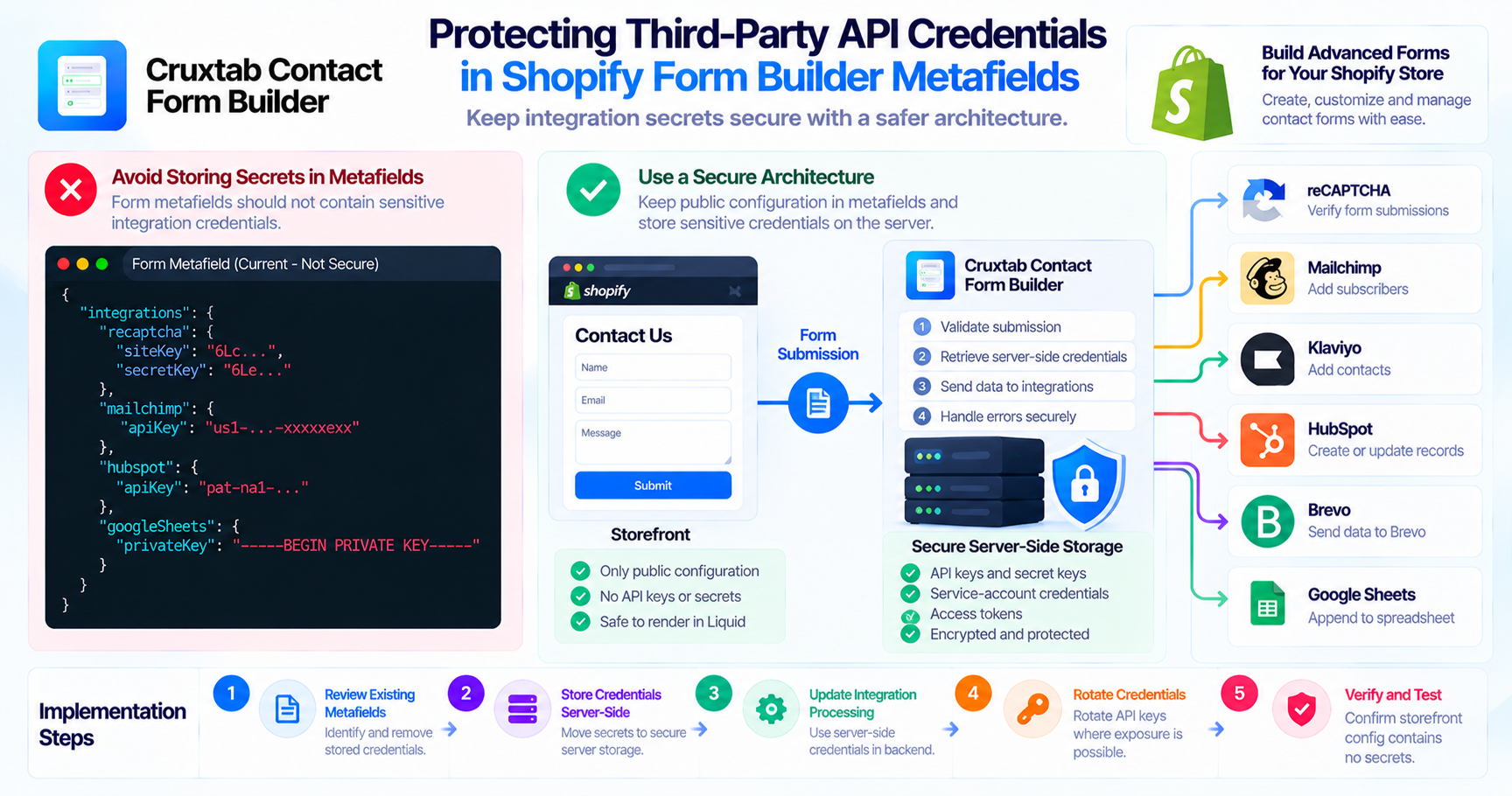
Cruxtab Contact Form Builder supports several external data destinations.
| Integration | Data handling |
|---|---|
| Google Sheets | Appends data to range A:Z |
| Mailchimp | Sends a list-member request |
| Klaviyo | Creates a profile and adds it to a list; email only |
| HubSpot | Uses a contact create-or-update endpoint |
| Brevo | Sends a contact API request |
| Slack | Sends a plain-text notification |
| Zapier / Generic webhook | Sends submission JSON |
These destinations have different requirements, even though they start with the same form submission.
Normalize data carefully
A mapping layer can help convert form answers into the structure expected by each provider.
Useful considerations include:
- Consistent field names.
- Email normalization.
- Phone number formatting.
- Missing optional values.
- Date and number formats.
- Multi-select answers.
- Special characters.
Do not assume that every form field is supported by every integration. The current mapping logic should be checked for each provider.
Klaviyo's email-only behavior
The specified Klaviyo integration supports email-only contact data.
This is an important limitation to communicate accurately. Merchants should not assume that names, phone numbers, or custom answers are synchronized just because those fields exist in the form.
Protect unnecessary data
External platforms should receive only the information needed for the intended workflow.
This is particularly important when forms collect personal or sensitive information.
Conclusion
Reliable integrations depend on more than sending a request. Correct data mapping ensures that form answers arrive in the format expected by the destination platform.
Explore Cruxtab Contact Form Builder to learn more about its external integrations.
Comments
Join the discussionNo comments yet. Be the first to comment.