Beyond Basic Inputs: Designing Configurable Form Fields
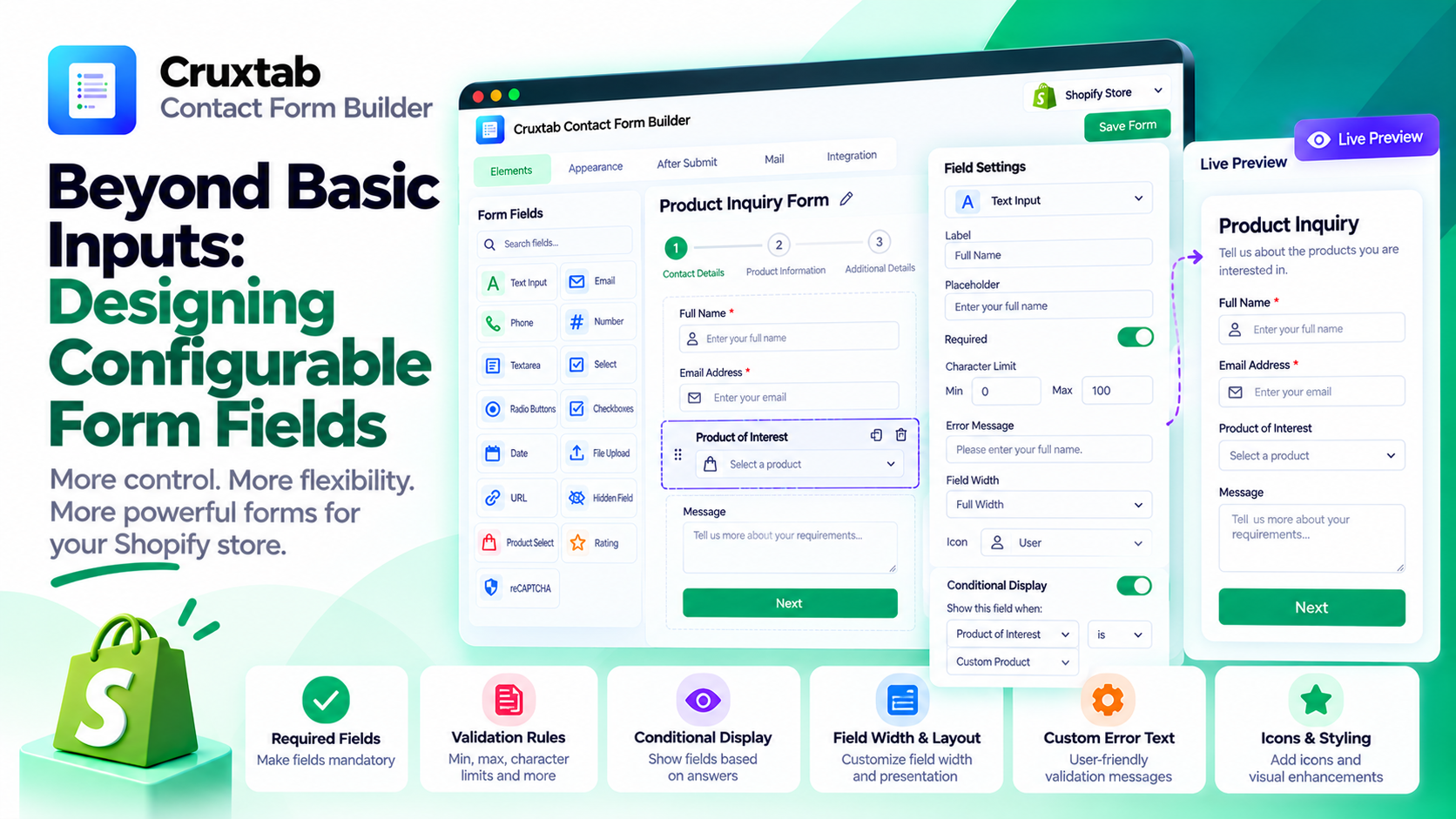
A form builder becomes much more useful when users can control how individual fields behave.
A required checkbox, a text field with a character limit, and a field that appears only after a particular answer are not just different visual elements. They have different configuration and validation requirements.
Designing these capabilities well starts with a consistent field model.
Give every field a clear configuration
A configurable field may need properties for:
- Field type and label
- Required status
- Minimum and maximum values or lengths
- Character limits
- Custom validation messages
- Width and visual presentation
- Icons
- Conditional-display rules
Not every property applies to every field type. A character limit makes sense for a text input, while minimum and maximum values may have different meanings for numeric inputs.
The editor should expose settings that make sense for the selected field and validate configuration before saving.
Separate configuration from rendering
A useful architecture keeps a field's configuration separate from the component that renders it.
The editor updates the configuration. The preview reads that configuration to display the field. The submission workflow uses the relevant rules to validate incoming values.
This separation reduces the risk of implementing the same behavior differently in multiple places.
It also makes it easier to introduce new field types without rewriting the entire editor.
Treat validation as a contract
Consider a required email field with a custom error message.
The application needs to determine whether a value is present and whether it satisfies the expected email format. If it fails validation, the interface should communicate the problem clearly.
Character limits and minimum or maximum constraints need similarly explicit behavior.
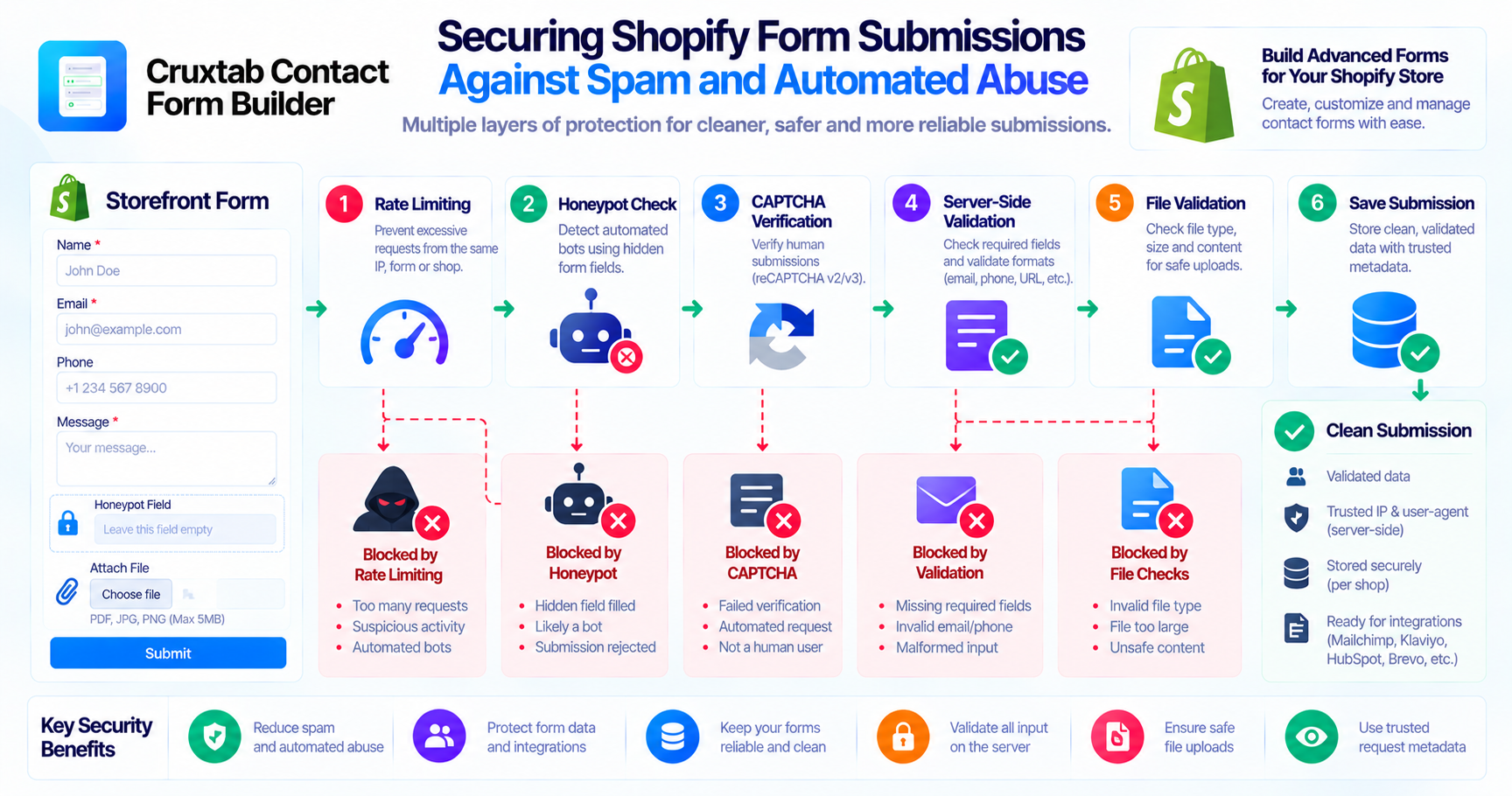
Client-side validation improves the user experience, but it is not a security boundary. The server must independently validate submitted data before accepting or processing it.
The validation rules used by the editor, preview, and submission endpoint should be consistent wherever possible.
Conditional logic needs predictable rules
Conditional display lets a form reveal fields based on previous answers.
For example, a merchant might ask whether a customer is enquiring about an existing product. If the customer answers yes, an additional product-reference field can appear.
This makes forms more relevant to individual users and can reduce unnecessary questions.
However, conditional logic needs a defined evaluation model.
Questions worth addressing include:
- Which field values can trigger a condition?
- What happens when the controlling answer changes?
- Can conditions reference fields on other pages?
- What happens to a hidden field's previous value?
- Are conditions evaluated again on the server?
The application should define these rules clearly instead of relying only on the visibility of a field in the browser.
Make the configuration easy to maintain
As forms grow more complex, configuration can become difficult to manage.
Stable identifiers, explicit field types, predictable defaults, and validation of saved configuration all help keep the form model reliable.
If the application supports older forms, schema changes may also require compatibility handling or migration logic.
How Cruxtab supports configurable fields
Cruxtab Contact Form Builder provides per-field options such as required status, character limits, minimum and maximum settings, error text, width, icons, and conditional display.
These capabilities allow merchants to customize the behavior of their forms without having to implement each rule manually.
Explore the app: https://apps.shopify.com/cruxtab-form-builder
Conclusion
Advanced field configuration works best when it is treated as a data-modeling problem as well as a UI problem.
Define the rules explicitly, keep rendering and validation consistent, and enforce important constraints on the server. That foundation makes a visual form builder easier to extend and more dependable for merchants.
Comments
Join the discussionNo comments yet. Be the first to comment.