Adding Spam Protection Without Making Contact Forms Frustrating
There is a small trade-off I keep coming back to when thinking about contact forms: the more steps we add to prevent spam, the more work we ask legitimate customers to do.
Security matters, but so does the experience of the person trying to contact a business.
For a Shopify store, a contact form might be the main way customers ask about products, shipping, wholesale orders, or support issues. If submitting a simple message becomes unnecessarily difficult, that creates a different problem.
Security and usability are connected
Consider two forms.
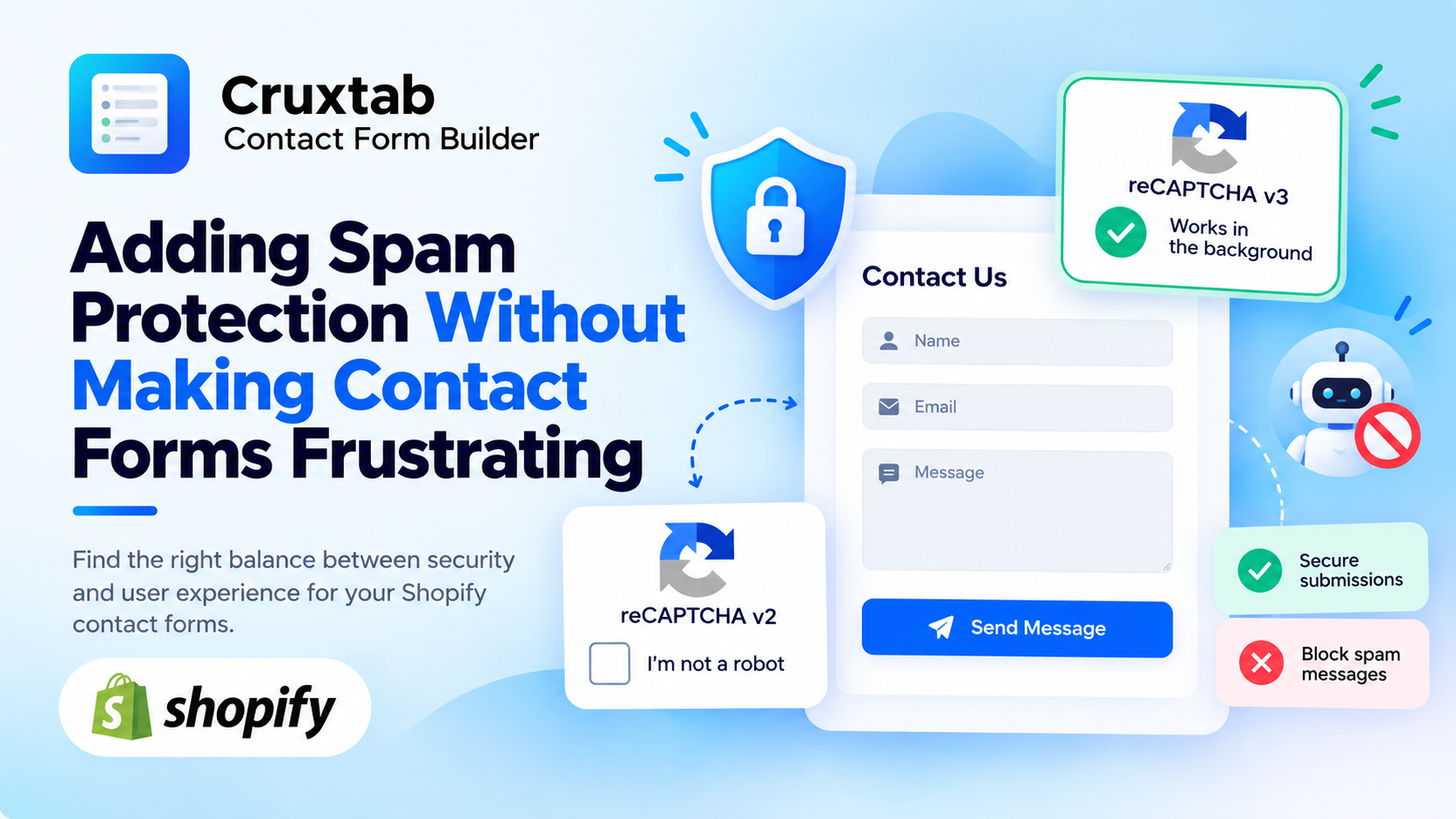
The first asks for a name, email address, and message. It also displays a CAPTCHA checkbox.
The second collects the same information but uses reCAPTCHA v3 to evaluate the interaction in the background.
The second form has less visible friction, but it still requires server-side verification. The first offers a visible verification step, but it adds another interaction.
Neither approach is perfect for every situation.
The useful question is not simply, "Which CAPTCHA is better?" It is, "Which approach gives this store reasonable protection without creating unnecessary barriers for its customers?"
Start with the type of form
Different forms have different risk profiles.
A general contact form might receive a few messages each day. A wholesale inquiry form could contain valuable business information. A public form receiving thousands of automated submissions might need stricter controls.
That context should influence the implementation.
For example:
A form where users expect an explicit security check may work well with v2.
A form where maintaining a minimal interaction is important may benefit from v3.
A form experiencing persistent abuse may need CAPTCHA alongside rate limiting and server-side validation.
CAPTCHA alone should not be treated as a complete anti-spam strategy.
Make the verification step fit the interface
For v2, the checkbox should be positioned where it feels like part of the form rather than an unrelated element appearing at the last moment.
It also needs enough room to display correctly on mobile screens.
For v3, the implementation should avoid creating a confusing submission experience. If verification fails, the customer should receive a clear message and a reasonable opportunity to try again.
A generic error such as "Something went wrong" is not particularly helpful when the user has already filled out a long form.
The error message should explain that verification could not be completed without exposing internal security details.
Be careful with long forms
This becomes more important when a form contains multiple steps, file uploads, conditional fields, or a lot of customer input.
Imagine someone spends several minutes completing a wholesale application and the CAPTCHA verification fails at the final step.
If the form clears every field, the customer may have to start again.
That is avoidable frustration.
A better implementation preserves the entered values when appropriate, explains the problem, and allows a new verification attempt. The server should still verify the new token before accepting the submission.
This is one reason I prefer treating CAPTCHA as part of the complete form-submission workflow rather than a small script added at the end.
What should happen when verification fails?
The failure path deserves as much attention as the successful path.
A reasonable flow is:
The user submits the form.
The browser obtains a CAPTCHA token when required.
The submission reaches the backend.
The backend verifies the token.
If verification fails, the form displays a useful error and preserves the user's input where possible.
If verification succeeds, the application continues processing the submission.
This flow helps avoid both accidental acceptance and unnecessarily frustrating customer experiences.
For v3, a score below the configured threshold can trigger a rejection or another carefully designed response. The correct choice depends on the application's risk model.
Building flexibility into Cruxtab Contact Form Builder
With Cruxtab Contact Form Builder, supporting both reCAPTCHA v2 and v3 allows merchants to choose a verification style that fits their forms.
The configuration should be independent of the form's visual design, so merchants can manage spam protection without redesigning the entire experience.
The important part is making the integration predictable: clear configuration, appropriate client-side behavior, server-side verification, and understandable failure messages.
Final thoughts
Good spam protection should be effective without making every legitimate customer feel like a suspect.
That does not mean removing all verification steps. It means choosing the right approach, handling errors thoughtfully, and protecting the information users have already entered.
A secure form is more useful when people can actually finish submitting it.